
Your readers can vote on a ranking without leaving your blog. The official YouPickBest WordPress plugin puts an interactive voting widget into any post or page: readers click through head-to-head matchups, and each post builds its own results out of the votes cast on it.
The plugin is not in the WordPress.org directory yet, so the install runs through GitHub. It takes about two minutes. Every screenshot below comes from a real WordPress install.
What the plugin does
The plugin is deliberately tiny. It adds a YouPickBest Ranking block for the block editor and a [youpickbest] shortcode for the Classic Editor. Both render the same thing: a lightweight placeholder that loads the voting widget in an iframe served by YouPickBest.
All the widget logic stays on our side — when we ship an improvement, every embed on your site picks it up. You never have to update the plugin because the widget changed.
Step 1: Download the plugin from GitHub
Open the latest release at github.com/youpickbest/wordpress-plugin/releases/latest and download youpickbest.zip from the Assets section.
Avoid the green Code → Download ZIP button on the repository front page. That gives you a development snapshot with the wrong folder name inside it. The zip in Assets is packaged for WordPress.
Step 2: Upload it in your WordPress admin
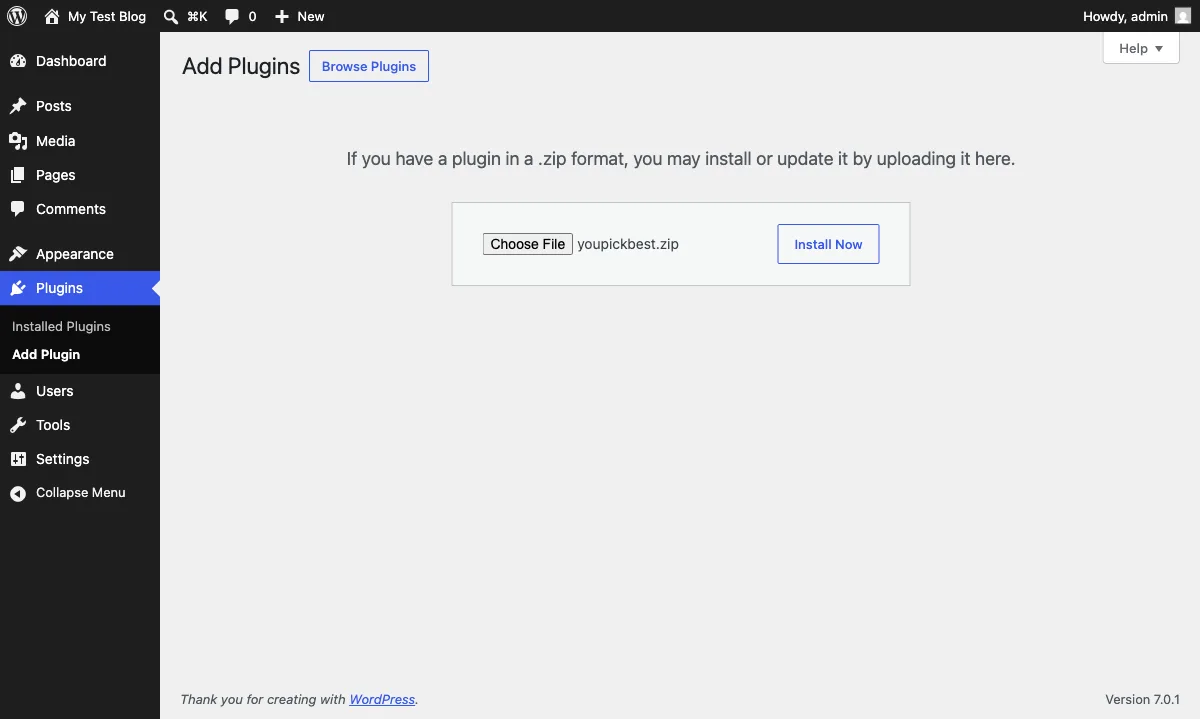
In your WordPress admin, open Plugins → Add New Plugin and click Upload Plugin at the top. Choose the youpickbest.zip you just downloaded, then click Install Now.
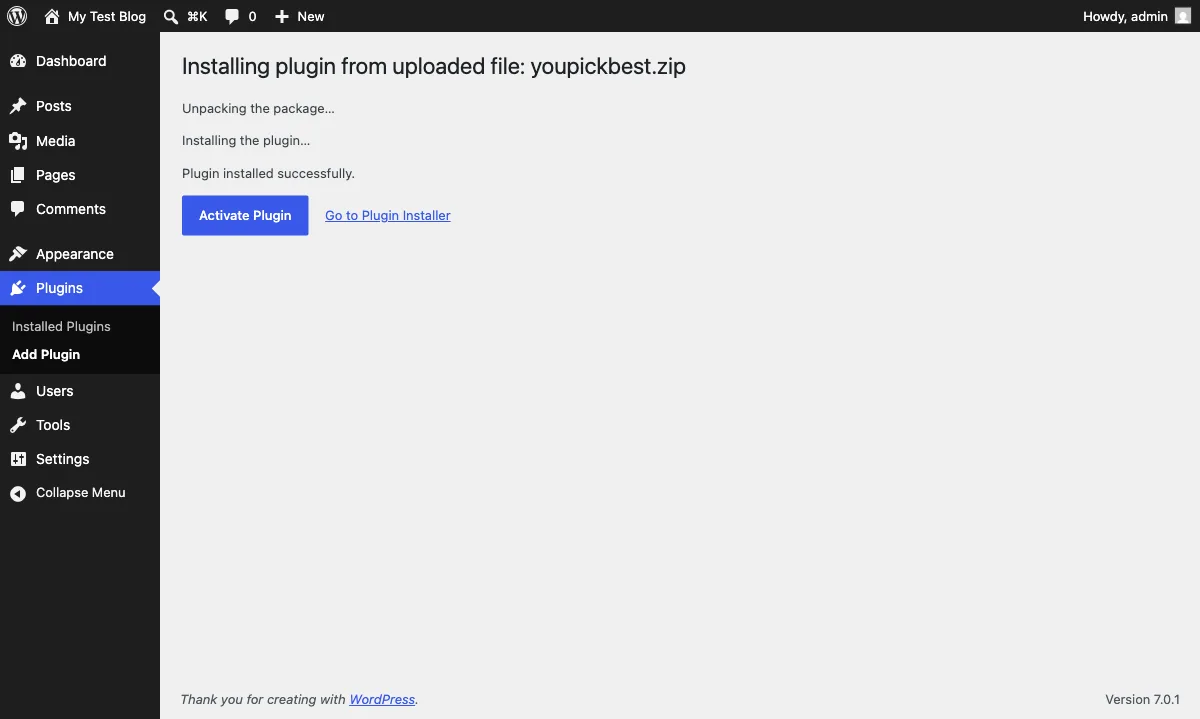
WordPress unpacks and installs it in a few seconds:
Step 3: Activate it
Click Activate Plugin. That is the whole setup: there is no settings page and no API key, and the plugin works the moment it is active.
Step 4: Embed a ranking in a post
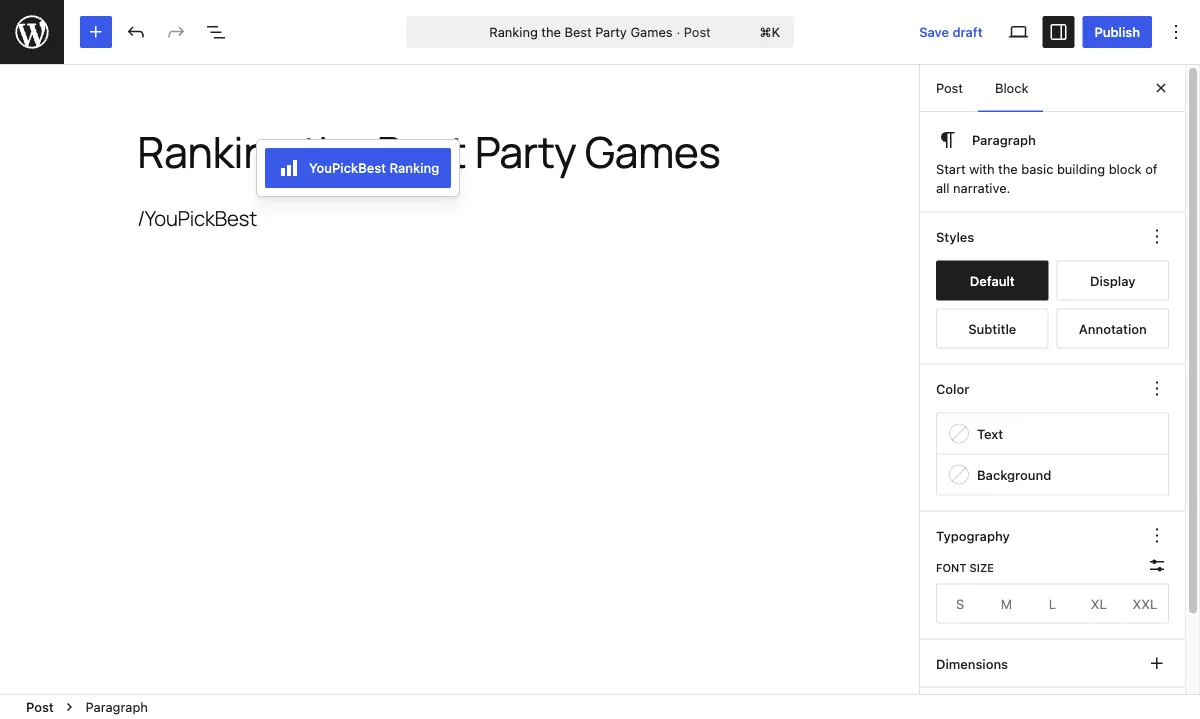
Open any post in the block editor and type /youpickbest:
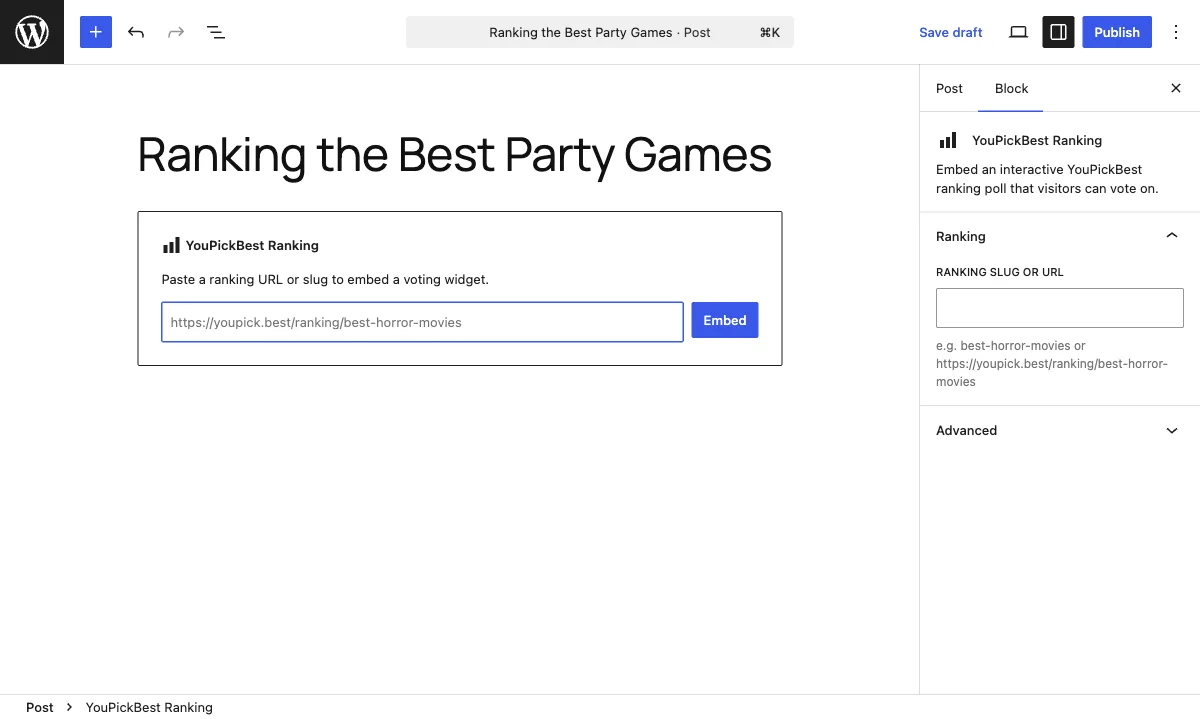
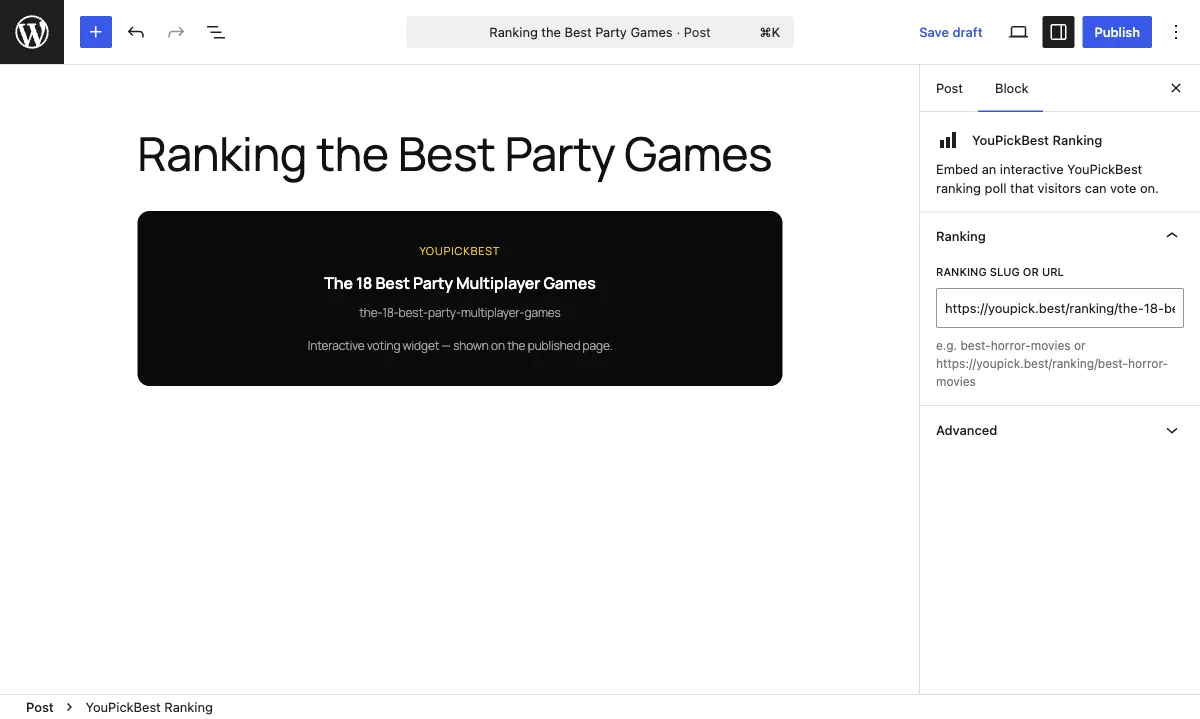
The block asks for one thing — a ranking. Paste the URL of any published ranking, for example https://youpick.best/ranking/the-18-best-party-multiplayer-games, and click Embed:
the-18-best-party-multiplayer-games works too.The editor confirms which ranking you picked with a live preview:
The Classic Editor takes the shortcode instead, and it renders the same widget:
[youpickbest ranking="the-18-best-party-multiplayer-games"]
What your readers see
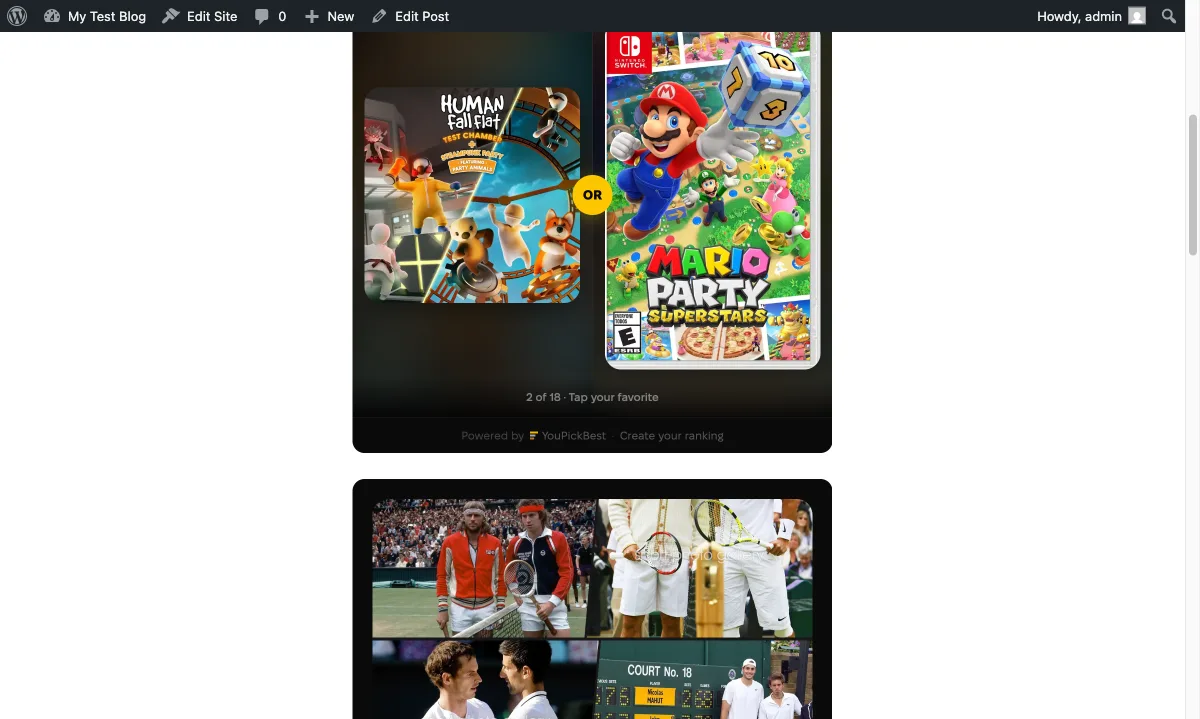
Publish the post and the widget appears where the block sits. It loads lazily: nothing is fetched until a reader scrolls near it. Then it invites them to play, two contenders per screen.
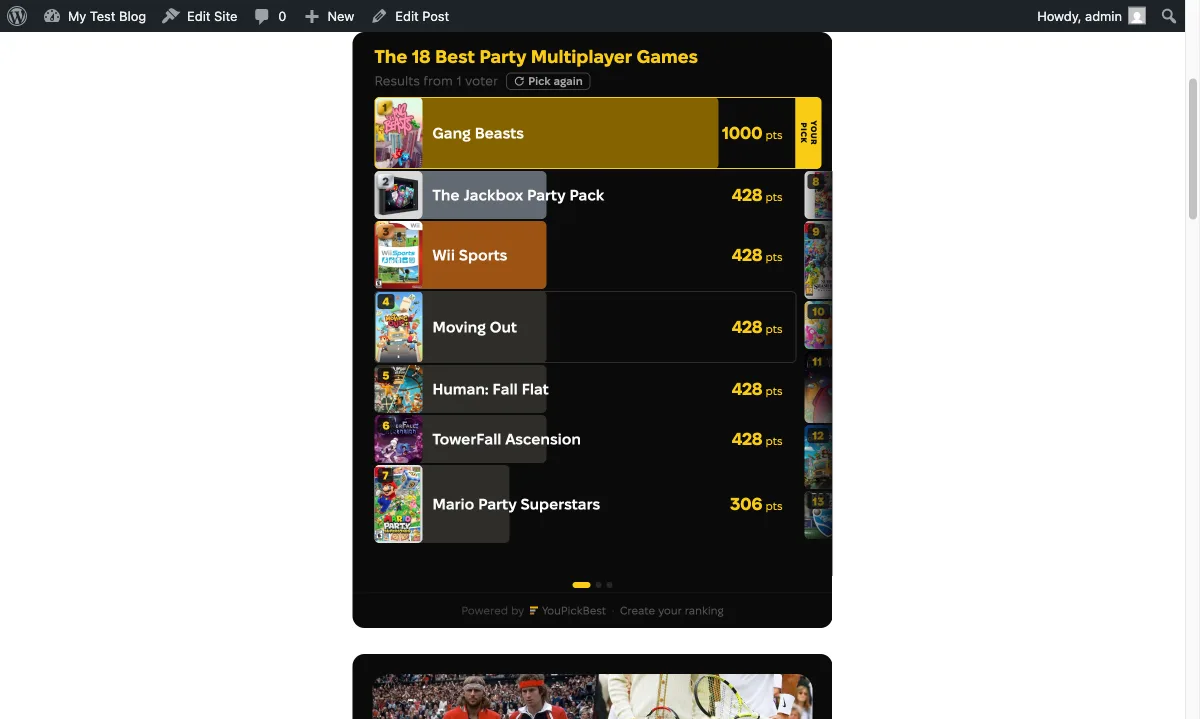
When they finish, the results they see come from the votes cast on your page, not the global ones. Each post grows its own order out of its own audience, so the leaderboard reads as a snapshot of your readers and nobody else's:
Embed your own ranking
Any published ranking can be embedded, and it lands differently when the ranking is yours. Create a ranking as a guest, publish it, and paste its URL into the block. The steps are laid out in how to create one.
Once the plugin is active, embedding costs one paste per post. Pick the ranking your readers would fight over, and drop it in.
Common questions
Will the plugin update automatically?
Not yet. WordPress auto-updates only plugins installed from WordPress.org, so until the listing exists, updating means downloading the newer release zip and uploading it the same way. WordPress replaces the old version and leaves your posts alone. The widget is a separate matter: it runs on our servers and improves without any plugin update.
Is it safe to install a plugin from GitHub?
A GitHub install is only as safe as the source, so stick to the official repository, github.com/youpickbest/wordpress-plugin. The plugin is open source under the GPL, small enough to read end to end, and it writes nothing to your server: no database tables, no stored settings.
Does the widget slow down my site?
No. The plugin adds one small script tag, and the iframe loads only when a reader scrolls near it. Until then your page carries a placeholder.
Do my readers need a YouPickBest account to vote?
No. Voting in the widget is anonymous. The result is remembered in the reader's browser, so a returning visitor sees the finished order instead of being asked to vote again.
Which rankings can I embed?
Any published ranking, unless its author switched embedding off in the ranking settings. When a ranking cannot be embedded, the block says so as soon as you paste the link.