
If your readers have opinions, give them a say
Add an interactive ranking to any post. Readers vote head-to-head, then see how everyone ranked them, all without leaving your page.
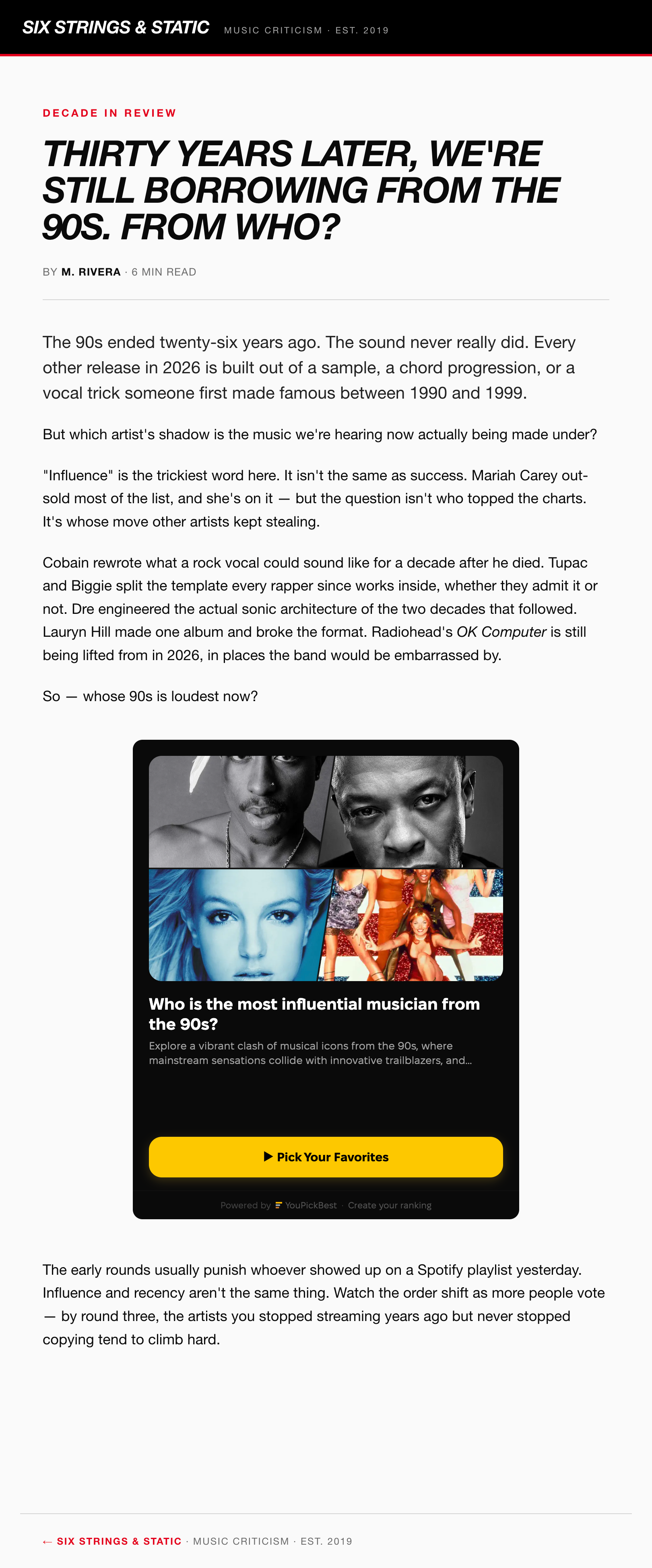
How it works
- 1
Pick a ranking — choose from what’s already on the site, or build your own in two minutes.
- 2
Paste the embed code into your post. It works anywhere that allows HTML.
- 3
Watch your post come alive. Readers vote, then see how everyone else picked.
First, get a ranking. Two ways.
A ranking is the interactive block you drop into a post. Instead of a flat list, readers vote head-to-head and see how everyone ranked it. Two ways to get one:
Find a ready-made ranking
Search youpick.best for your topic. Public rankings on all kinds of topics, ready to embed. No account needed.
Type a topic and matching rankings appear. Open one, copy its code, done.
Or build your own ranking from scratch
Five steps, about two minutes, no design skills needed.
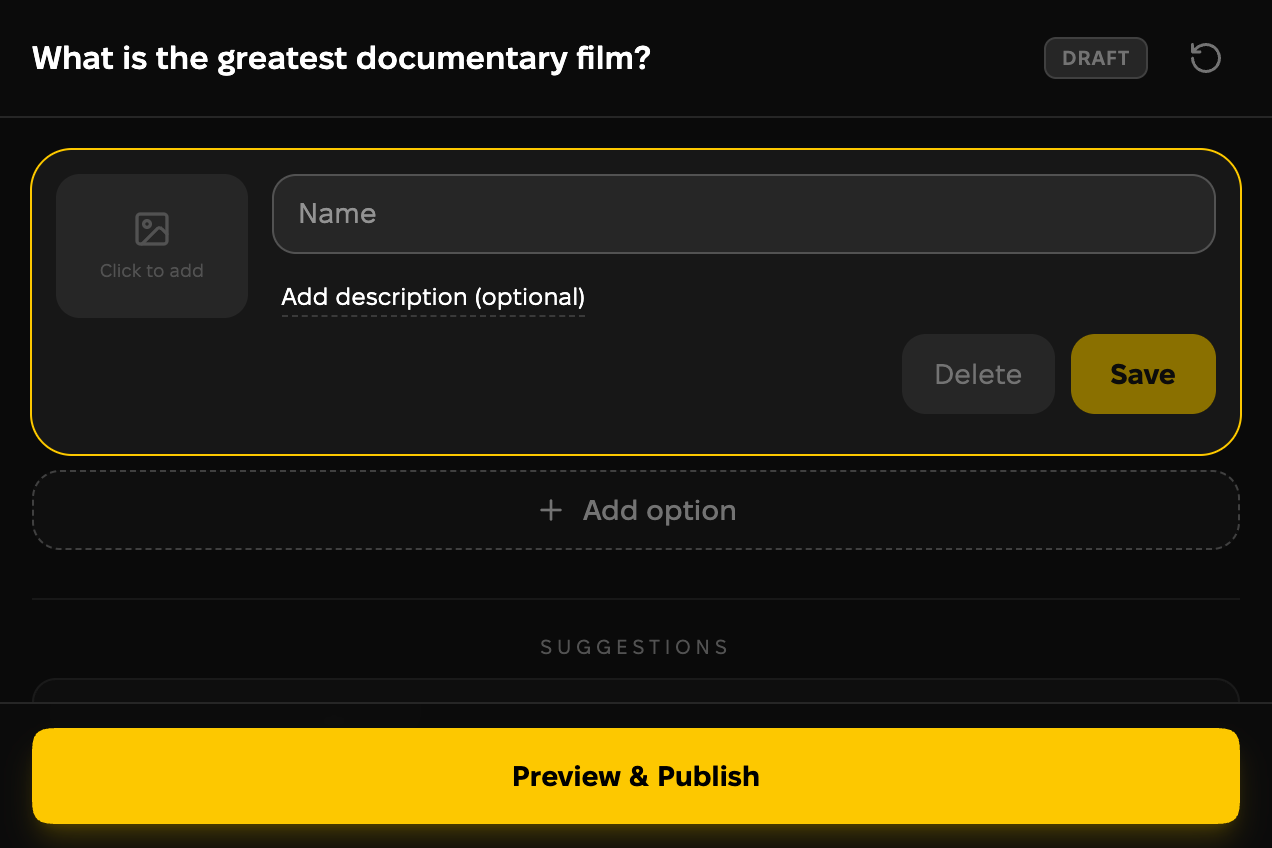
Write your question
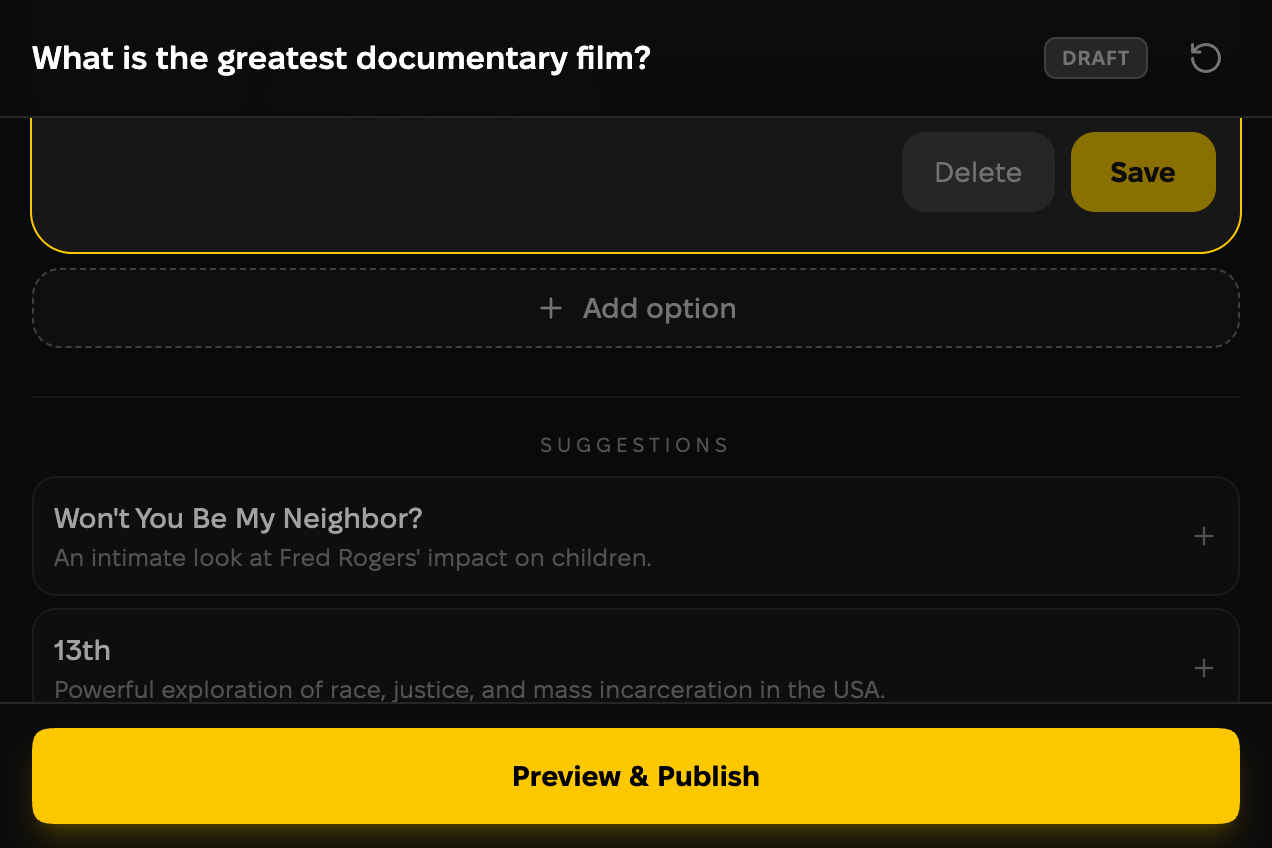
Type what people vote on. Want a head start? Pick one of the questions the site suggests.

Add the options
Each option gets a name, a short description and an image. Write them yourself, or let AI suggest a full set you can edit.
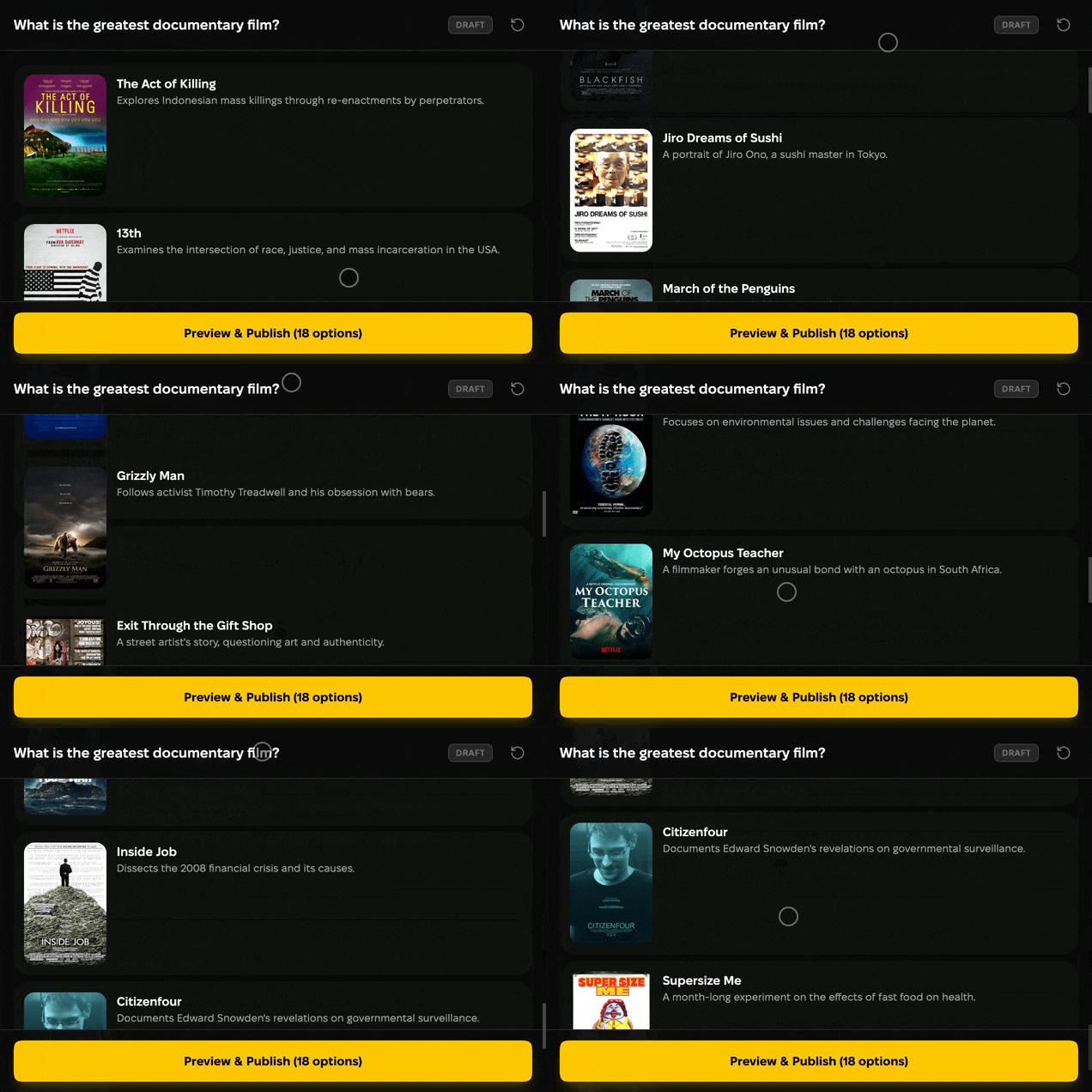
Review the lineup
See every option in one place. Reorder, rename, or remove any before you publish.
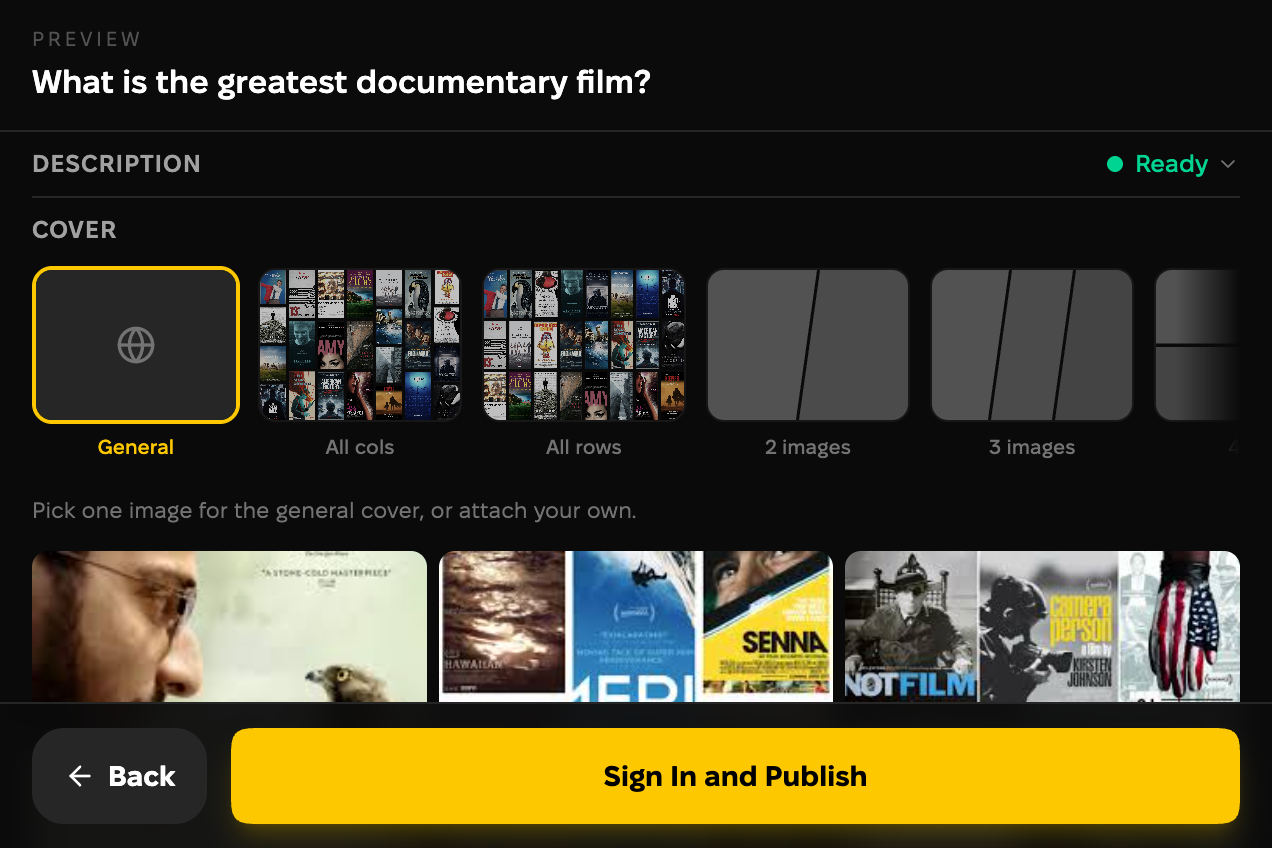
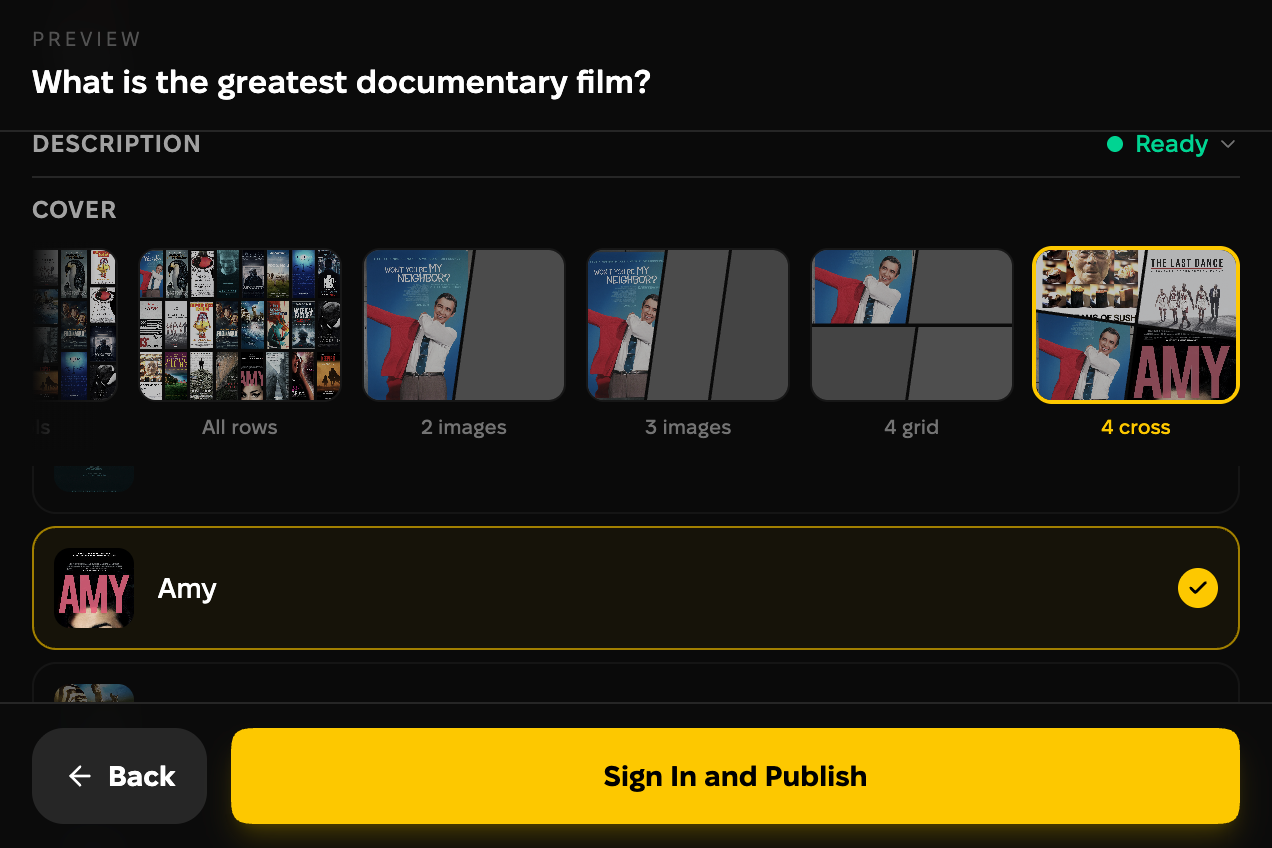
Design the cover
This is the preview readers see in your post. Pick one of the option photos, or arrange a few into a collage.
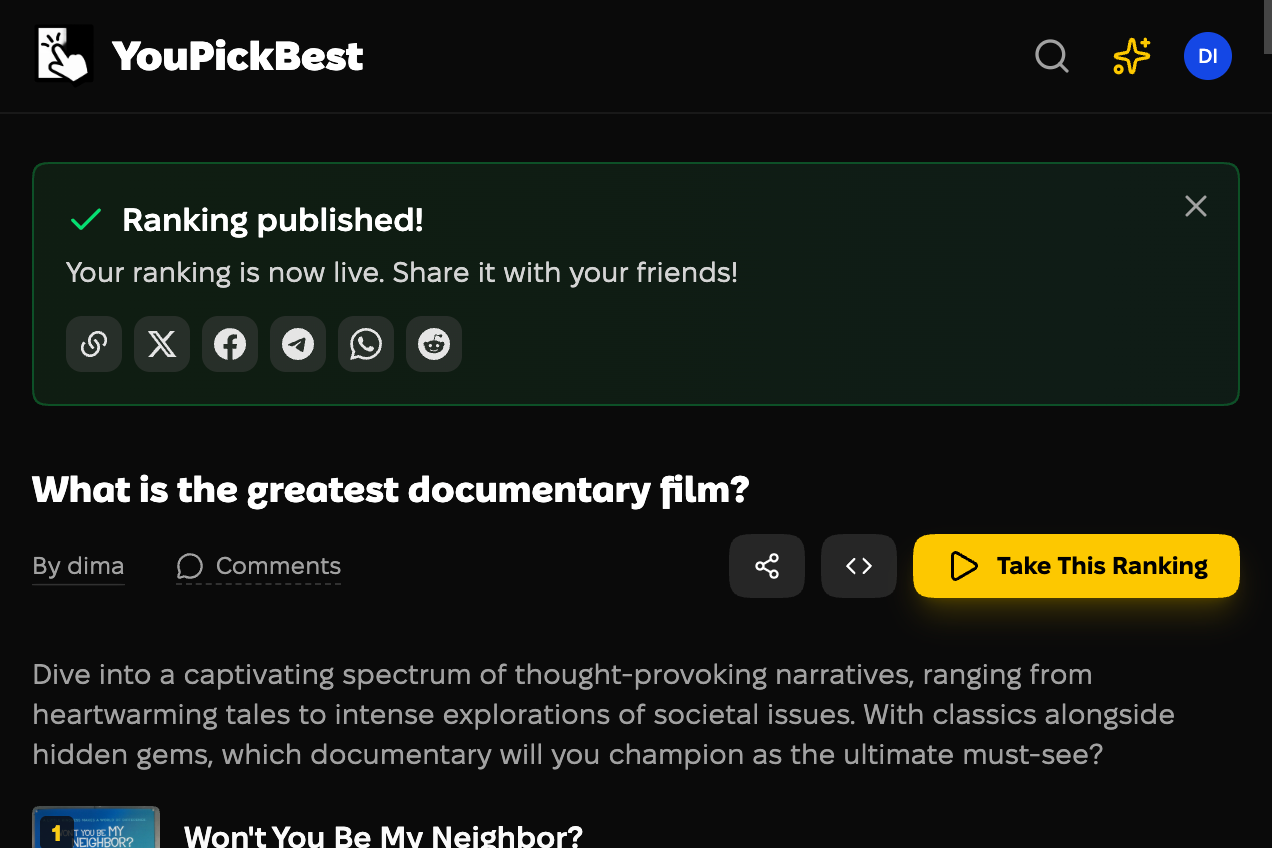
Publish, and it goes live
Hit publish and your ranking is live, ready to embed. Publishing needs a free account. Your readers never do.
Then add it to your post
However you got your ranking, it embeds the same way, on any platform that allows HTML.
Copy the embed code
On the ranking’s page, open “Share ▾” and choose “Embed on your site” to reveal the code.
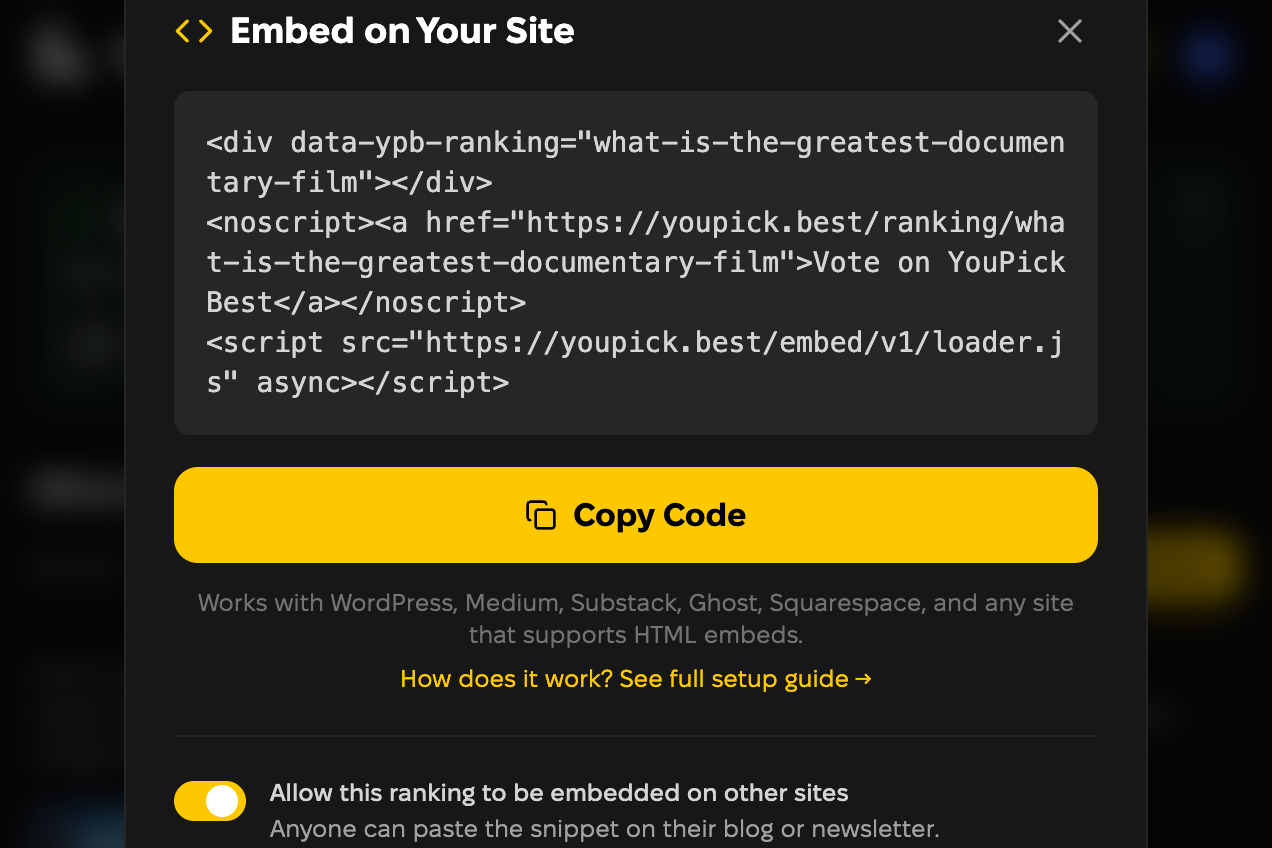
Paste it into your post
Paste the code into a Custom HTML block: WordPress, Ghost, Squarespace, Wix, Blogger, and anything else that lets you put HTML in a post. It loads inline. On WordPress and Ghost you can skip the code entirely — paste the ranking’s link on its own line and the editor builds the widget for you. Which one applies to you is in the table below.
Example of what you paste (the embed dialog fills in your ranking):
<div data-ypb-ranking="your-ranking-slug"></div>
<noscript><a href="https://youpick.best/ranking/your-ranking-slug">Vote on YouPickBest</a></noscript>
<script src="https://youpick.best/embed/v1/loader.js" async></script>
Where it works
Find your platform and you are done reading. Every line below was tried by hand on that platform, not read off its documentation.
WordPress where you can install plugins
Paste the link
- Install the free YouPickBest plugin from your Plugins screen, so the widget runs unrestricted and remembers what each reader picked.
- Paste the ranking’s address into the post on its own empty line. WordPress turns it into the widget.
or
Paste the code
Add a Custom HTML block and paste the three-line snippet into it. No plugin needed on this route.
Watch out: Paste the address, don’t type it. A typed address stays plain text.
WordPress.com where you cannot, including the free plan
Paste the link
Paste the ranking’s address into the post on its own empty line. WordPress builds the widget itself — no plugin to install, no code, no hosting features to switch on.
or
Use the Embed block
Add an Embed block and paste the ranking’s address into it. It produces the same widget.
Watch out: The three-line snippet and a hand-written frame are both stripped from the published page here, so the address is the only route that survives. Paste it rather than typing it.
Ghost
Paste the link
Paste the ranking’s address on its own line and Ghost builds the embed card for you.
or
Paste the code
Add an HTML card and paste the three-line snippet into it.
Squarespace
Paste the code
Add a Code block and paste the three-line snippet into it.
Watch out: Squarespace switches embedded scripts off while you are logged in and editing, so the block looks empty until you save and open the page as a reader.
Wix
Paste the code
Add an Embed HTML element and paste the three-line snippet into it.
Blogger
Paste the code
- Switch the post editor from Compose view to HTML view.
- Paste the three-line snippet, then publish.
Watch out: Pasted in Compose view the code turns into visible text and nothing renders.
Anywhere else
Paste the code
Any editor that accepts raw HTML in a post will run the widget.
Medium, Substack, Notion
Coming soon. All three build embeds from their own provider lists and allow no HTML in a post. We have applied to the services behind them.
See what your readers see
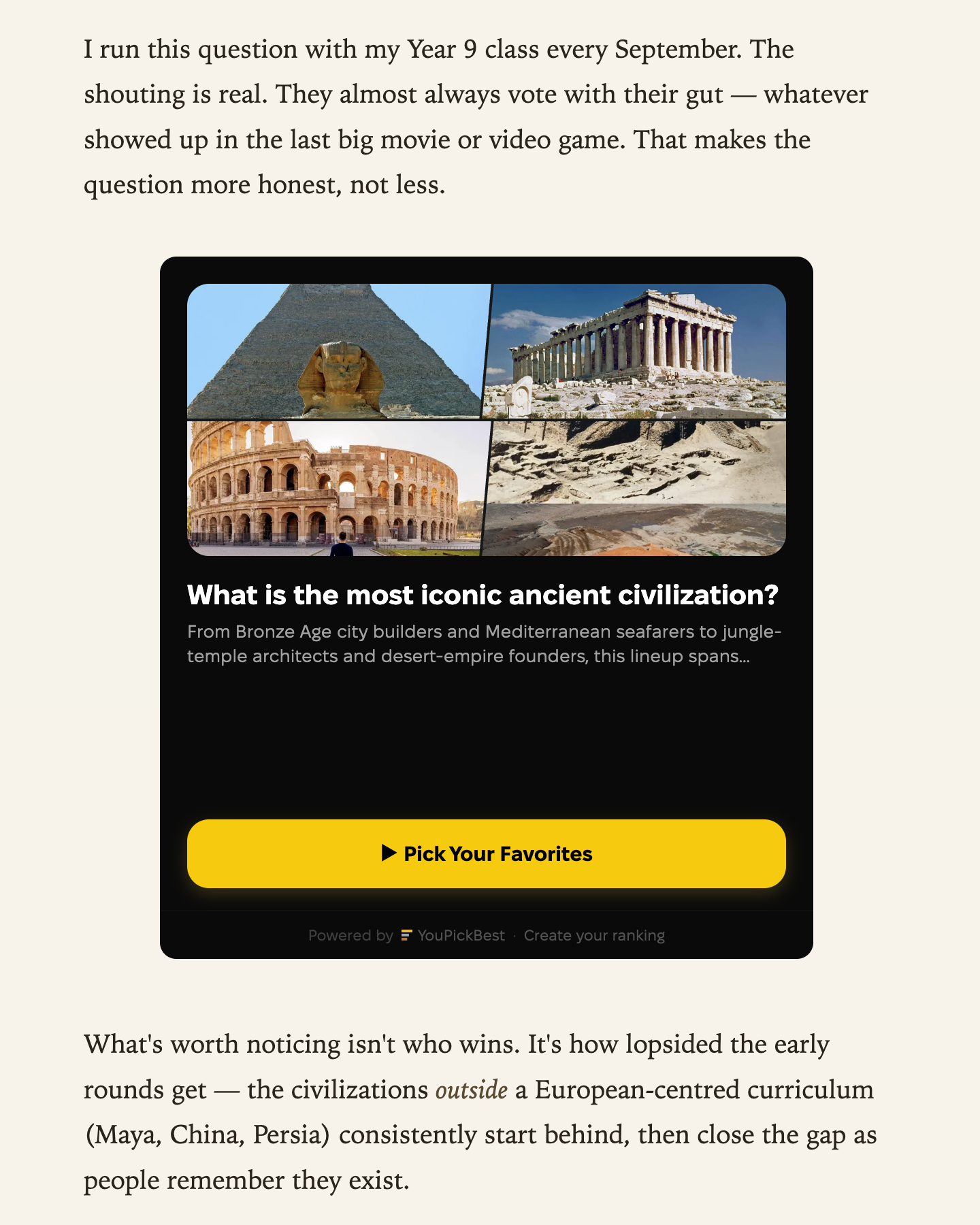
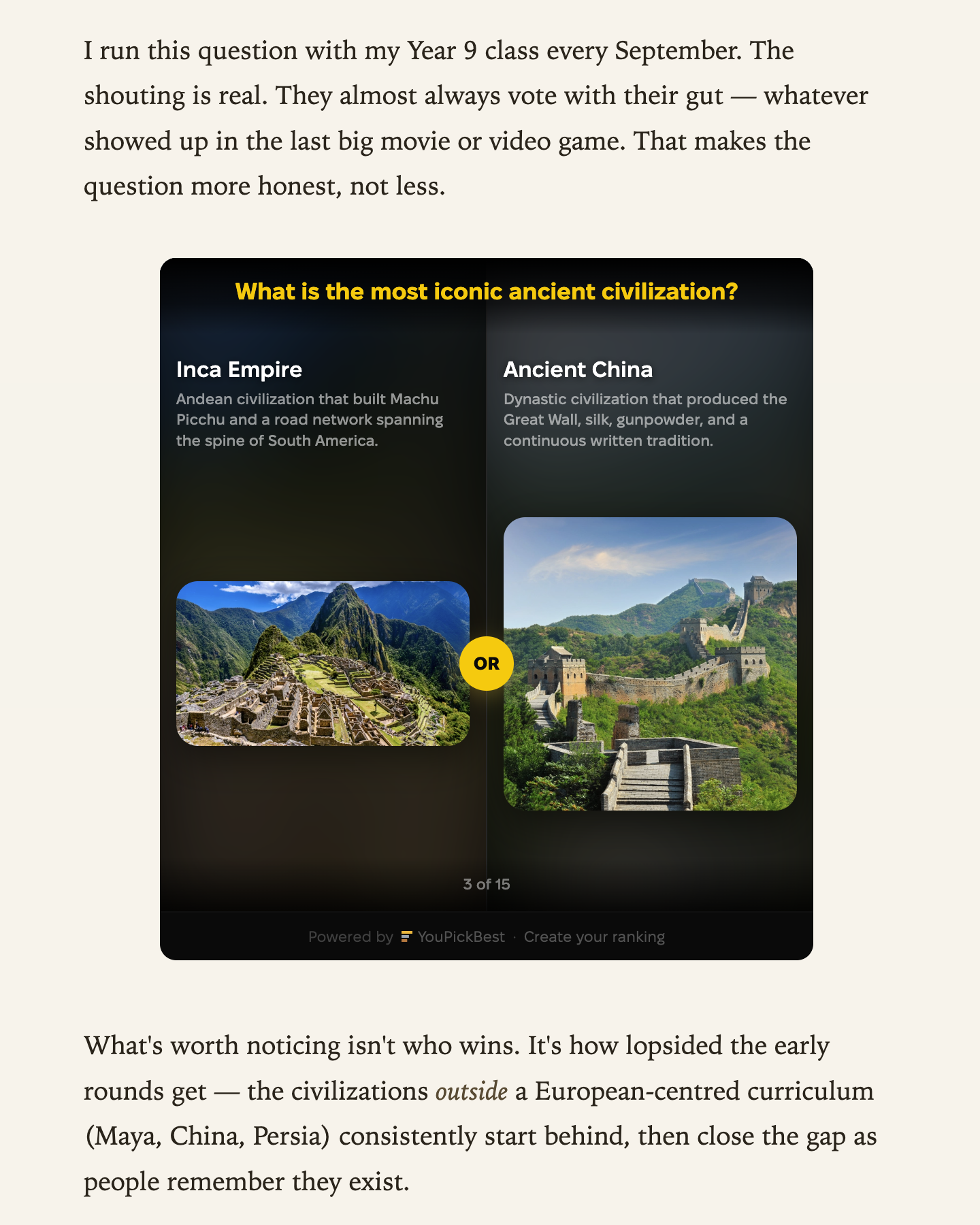
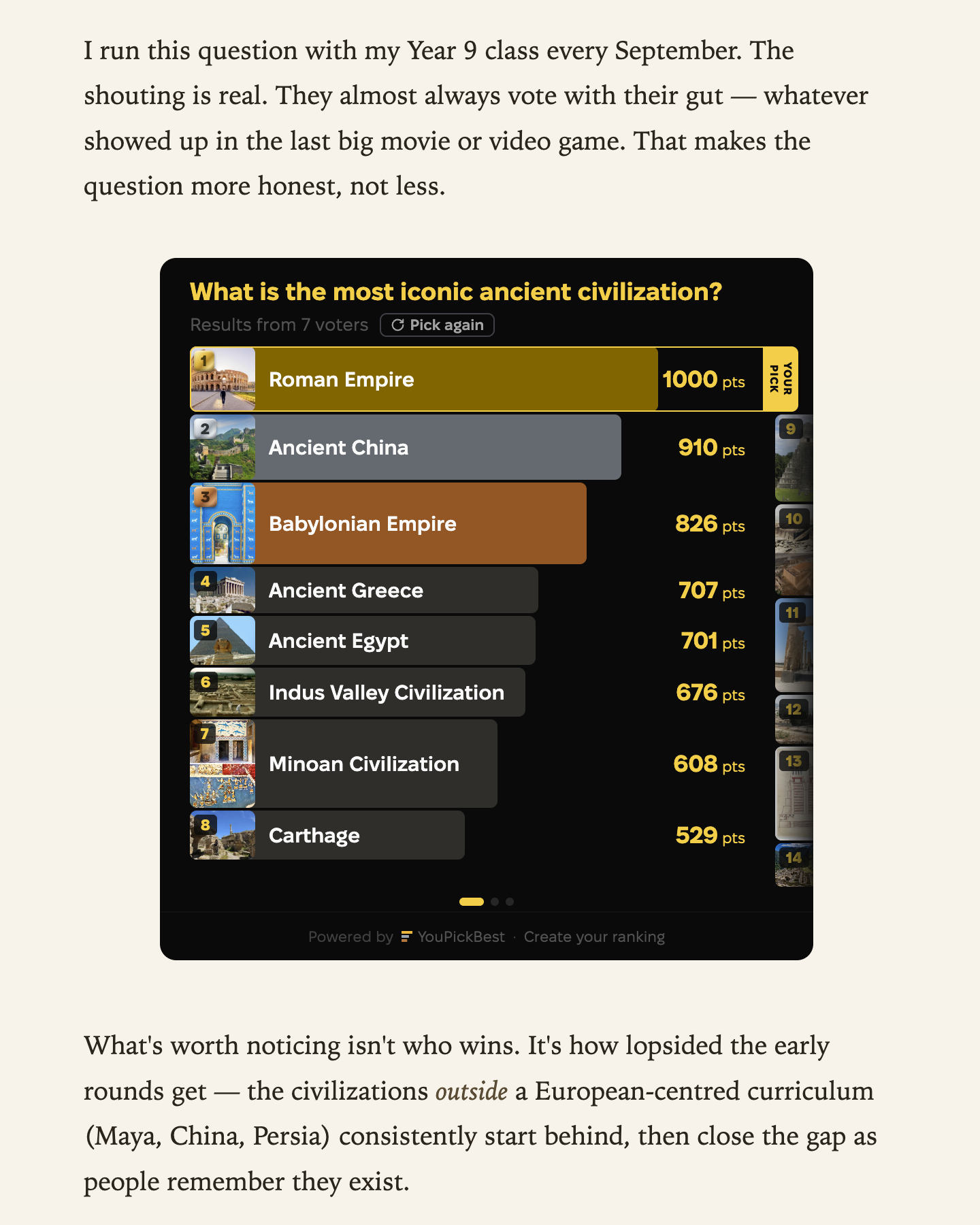
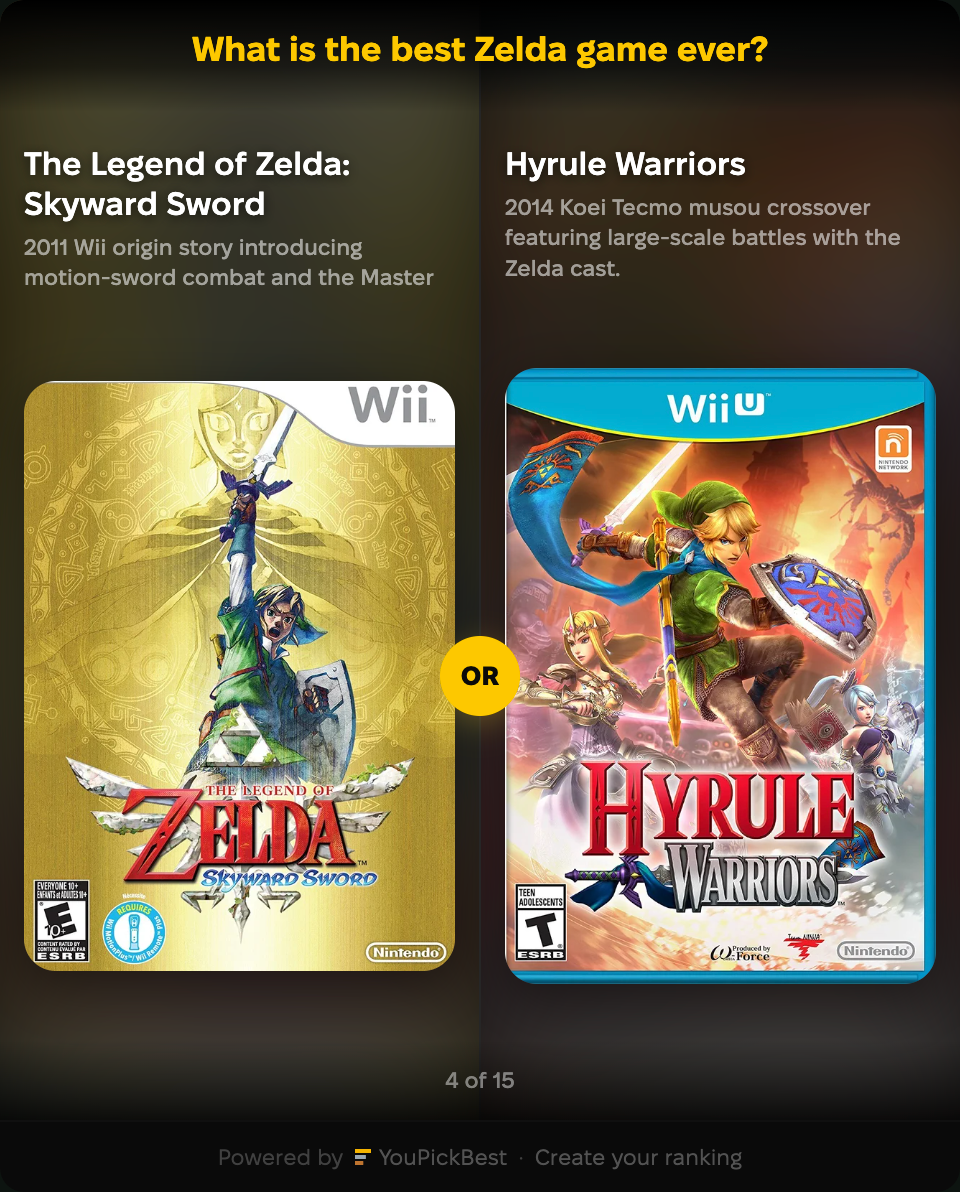
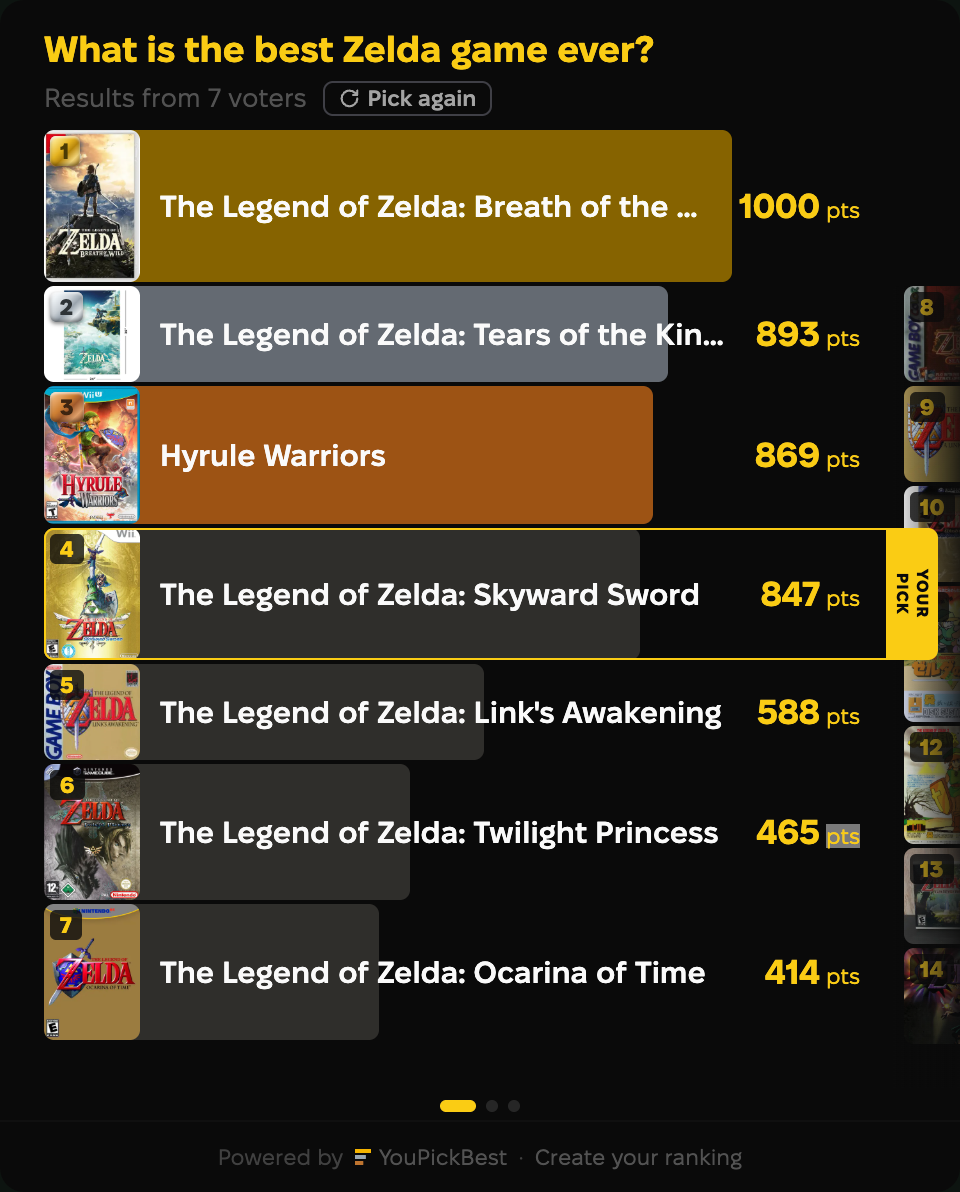
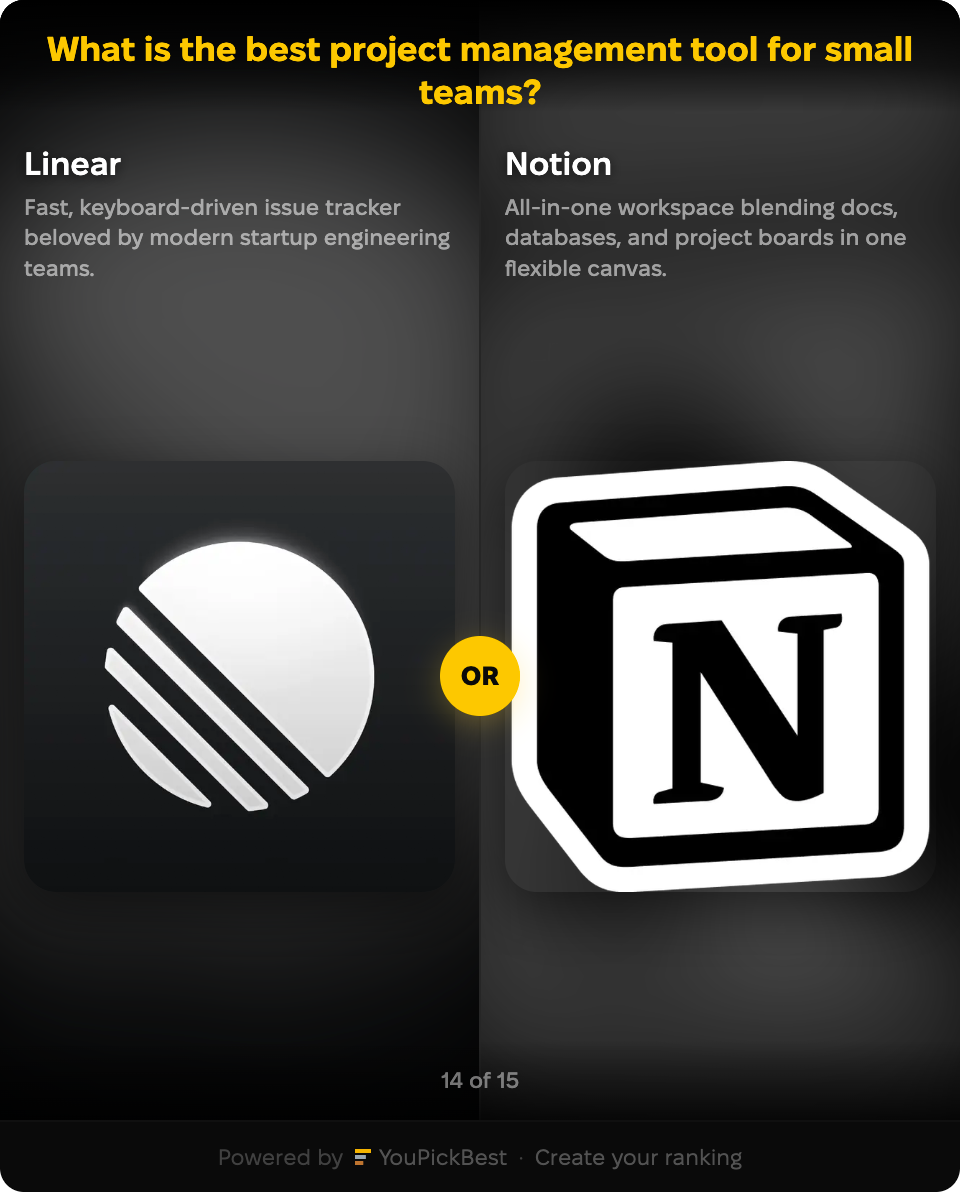
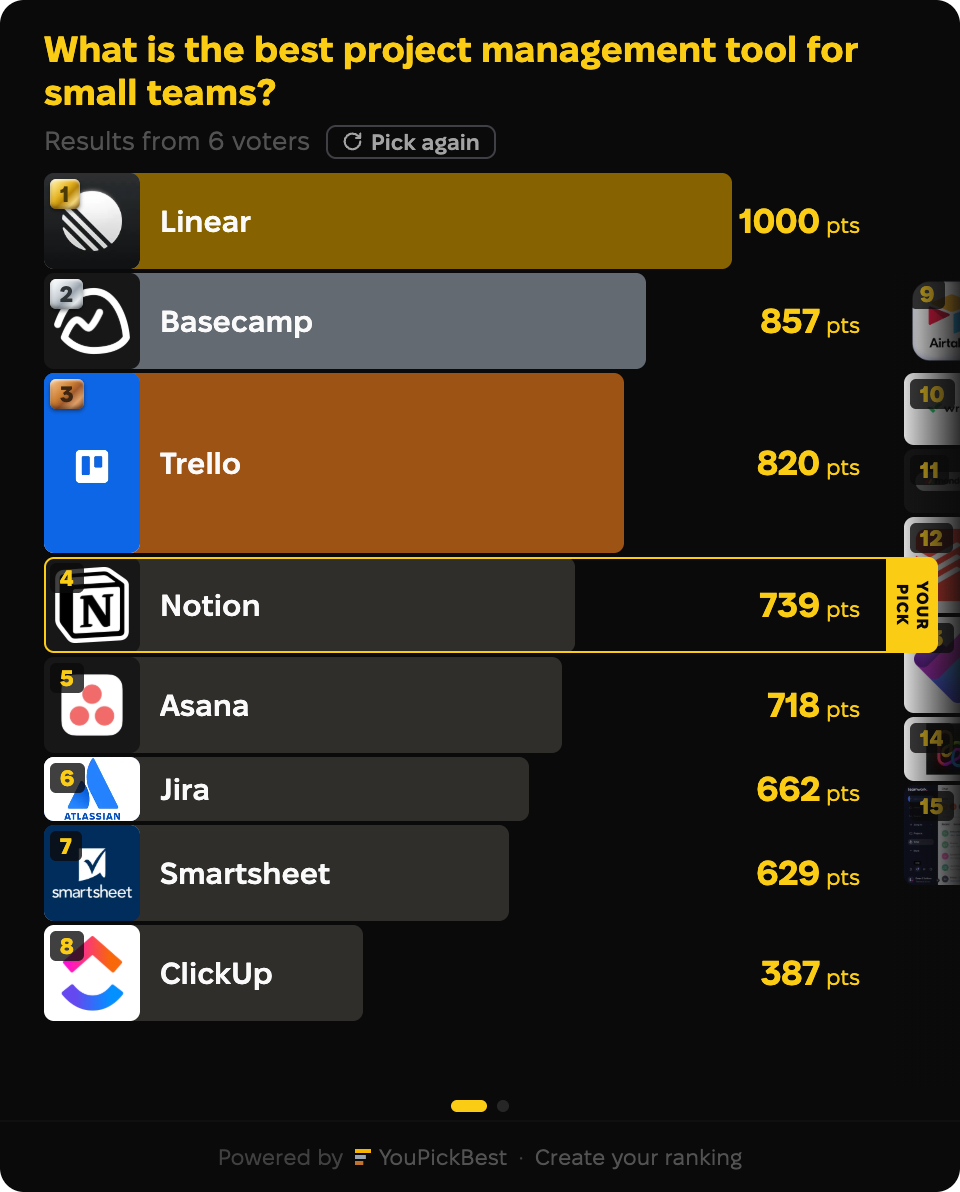
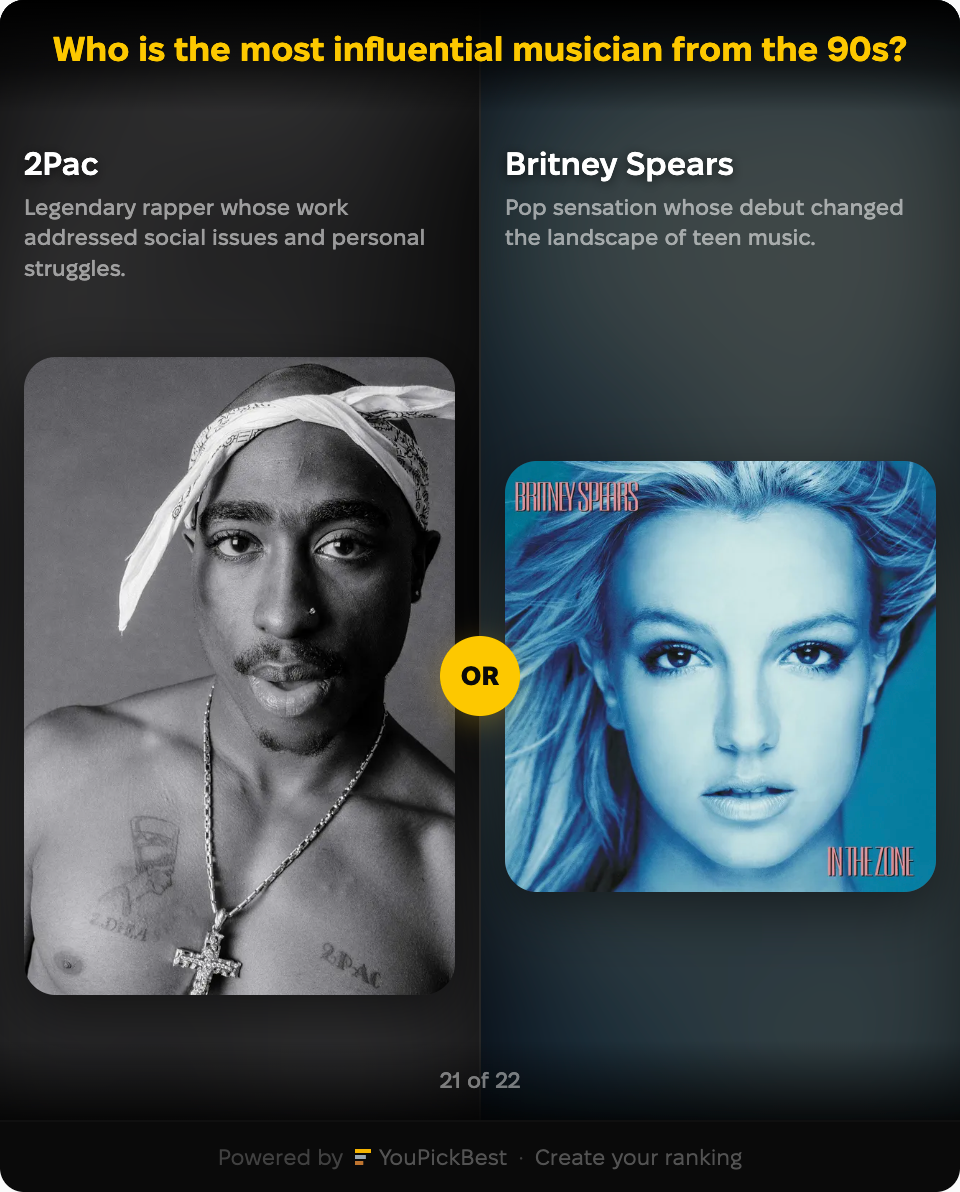
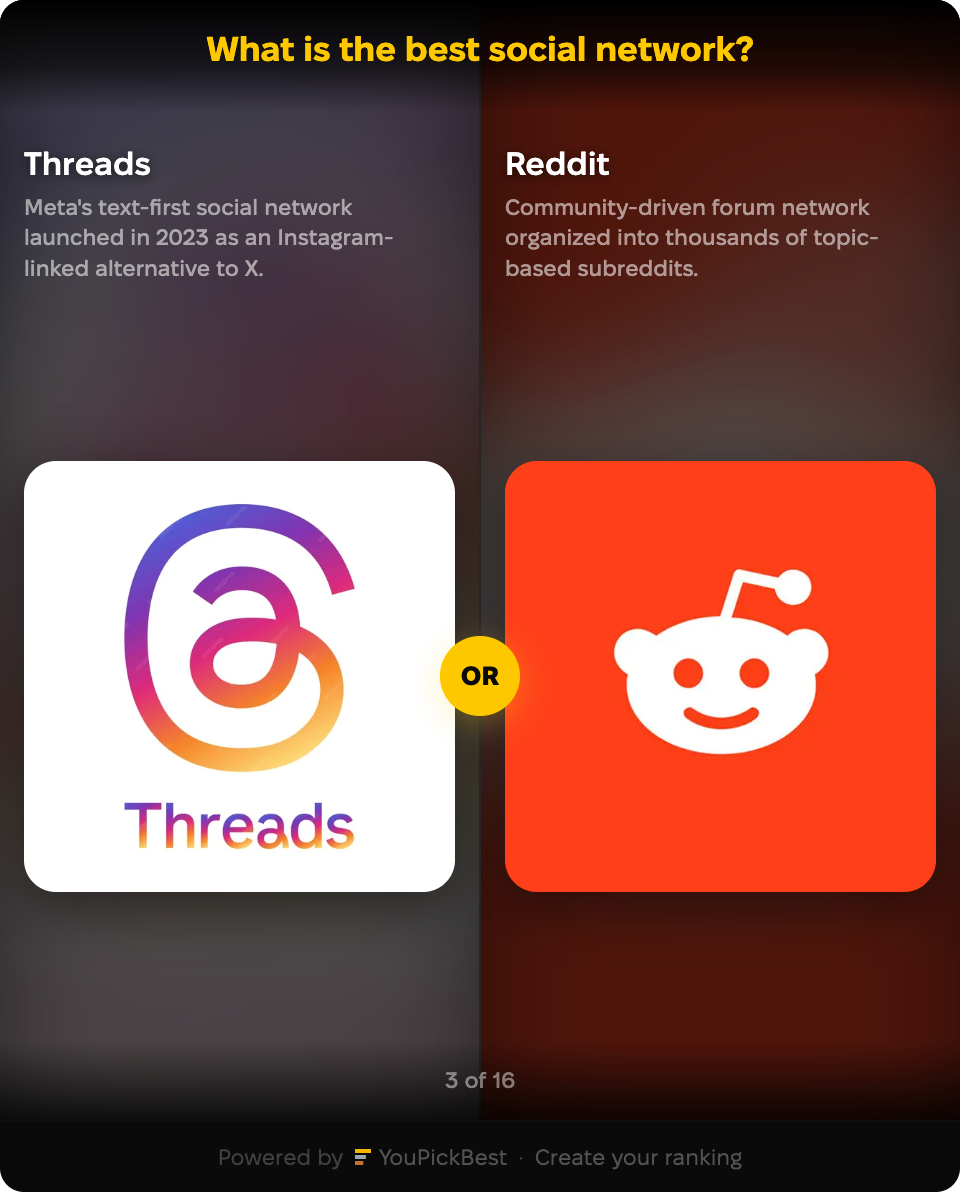
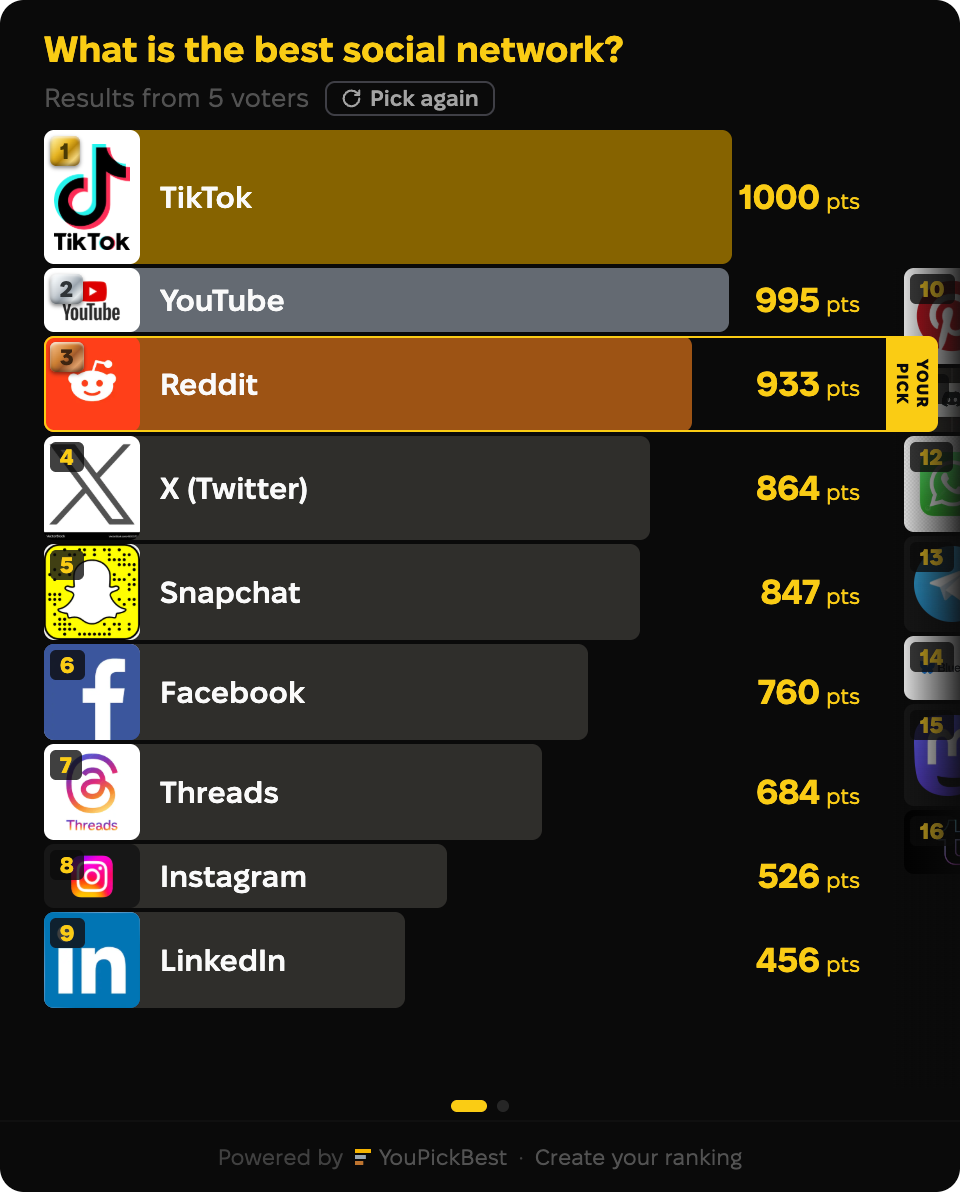
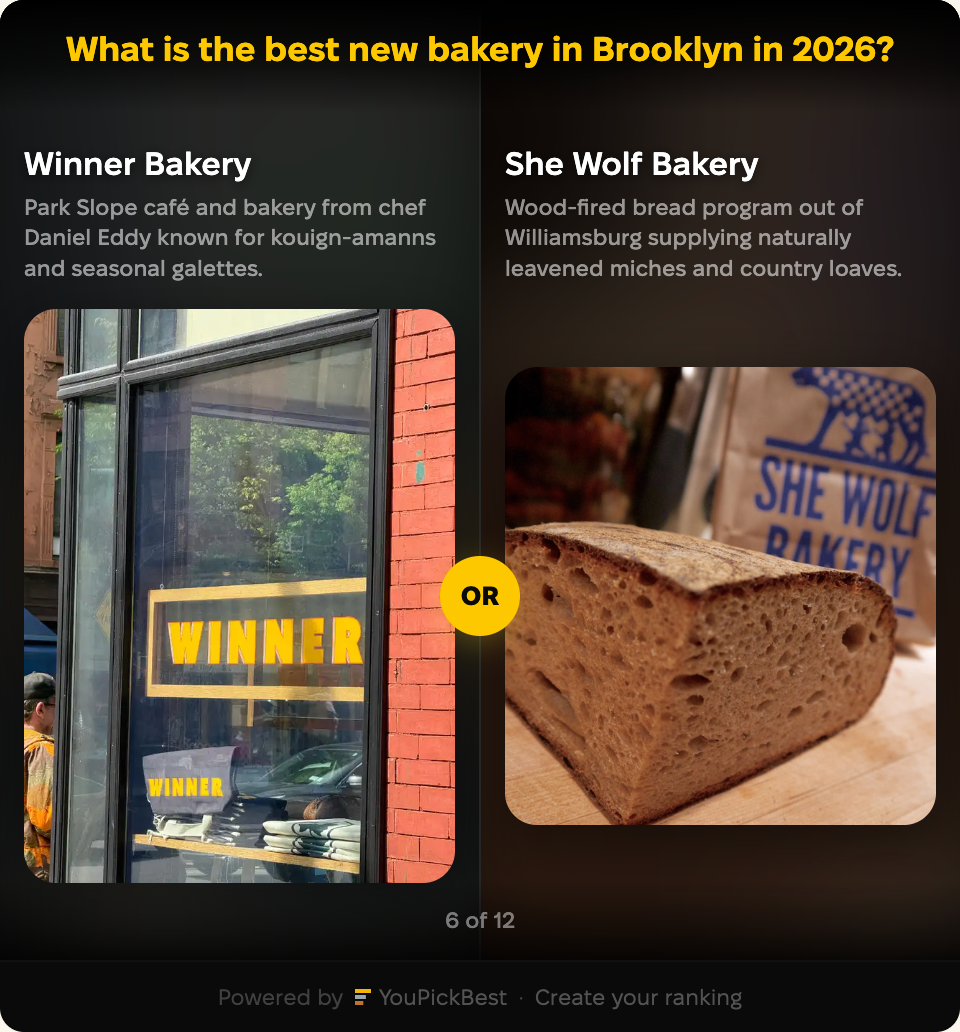
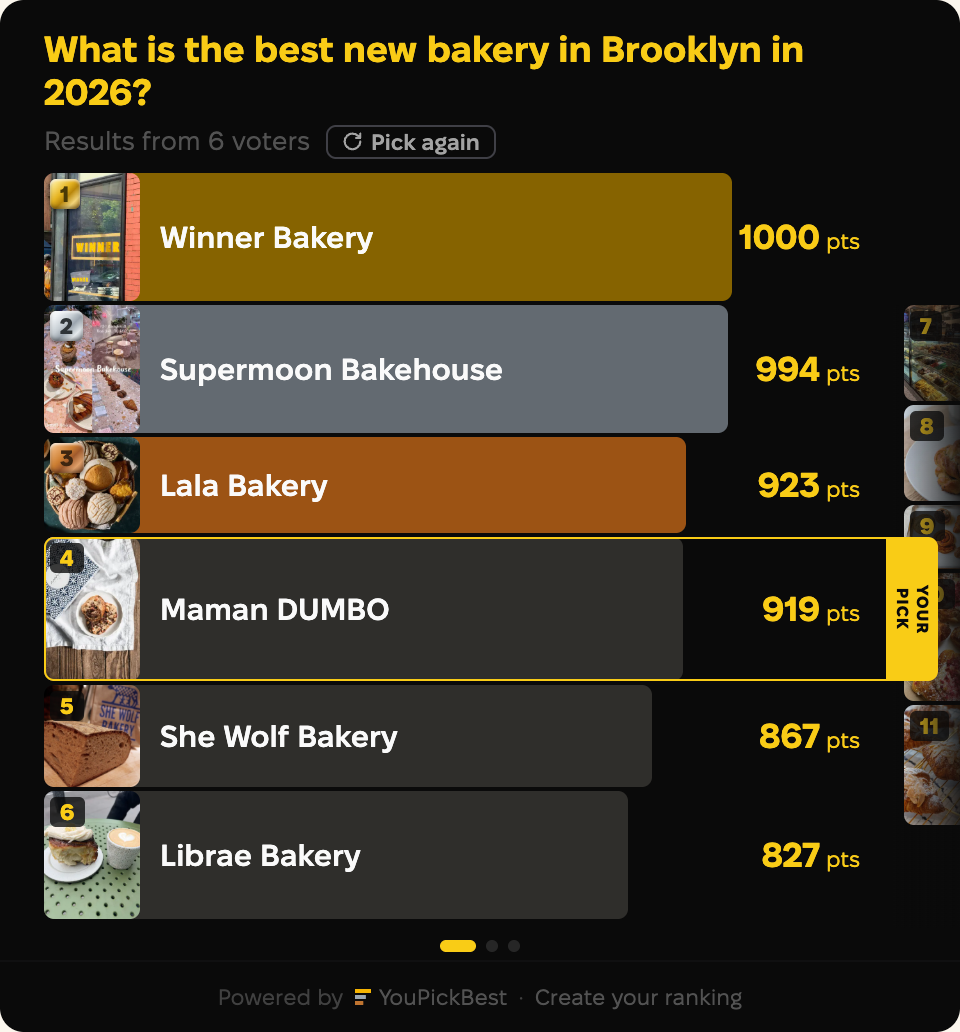
Three views, all inside your post: the preview cover, the head-to-head vote, and the full ranking after they vote. Nothing opens a new tab. Nothing shifts your text.
Preview
Voting
Leaderboard
It never hijacks the scroll
The widget keeps a fixed height. Readers swipe the ranking sideways inside the card, so your article never jumps.
It fits the phone, not fights it
On a phone the ranking sits in your text and resizes to the screen. Buttons stay big enough to tap.
Only what helps you. Nothing that gets in your way.
Made for site owners. It loads fast, keeps readers on your page, and doesn’t change how your post looks. Free, with no upsells.
Free, no upsells
No trial, no card, no paid tier. Create it, embed it, keep it. Your readers never pay either.
Your site stays fast
The loader is under 5KB and loads asynchronously. The widget wakes up only when a reader scrolls to it.
Your results stay yours
Votes from your site stay in your results. Other sites embedding the same ranking never mix in.
Edits sync everywhere
Change the ranking once and every embed updates automatically.
Never a redirect
Voting and results happen inside your page. We never pull readers away.
No signup for readers
Tap to vote. No email, no form, no account. Nothing stands between a reader and a vote.
No ads, ever
The only mark is a small “Powered by YouPickBest” line. No banners, no sponsored content.
No emails, no cookies
We never ask your readers for an email and set no cookies on your site. One anonymous token stops double-voting. Nothing that identifies a person.
No layout damage
No popups, no overlays, no floating bars. It sits in your content like a normal block.
Works for almost any audience
Bloggers, teachers, newsletters, fan sites, local guides — your site fits right in. Whatever your readers would argue about, hand them a ranking and let them settle it.
Examples

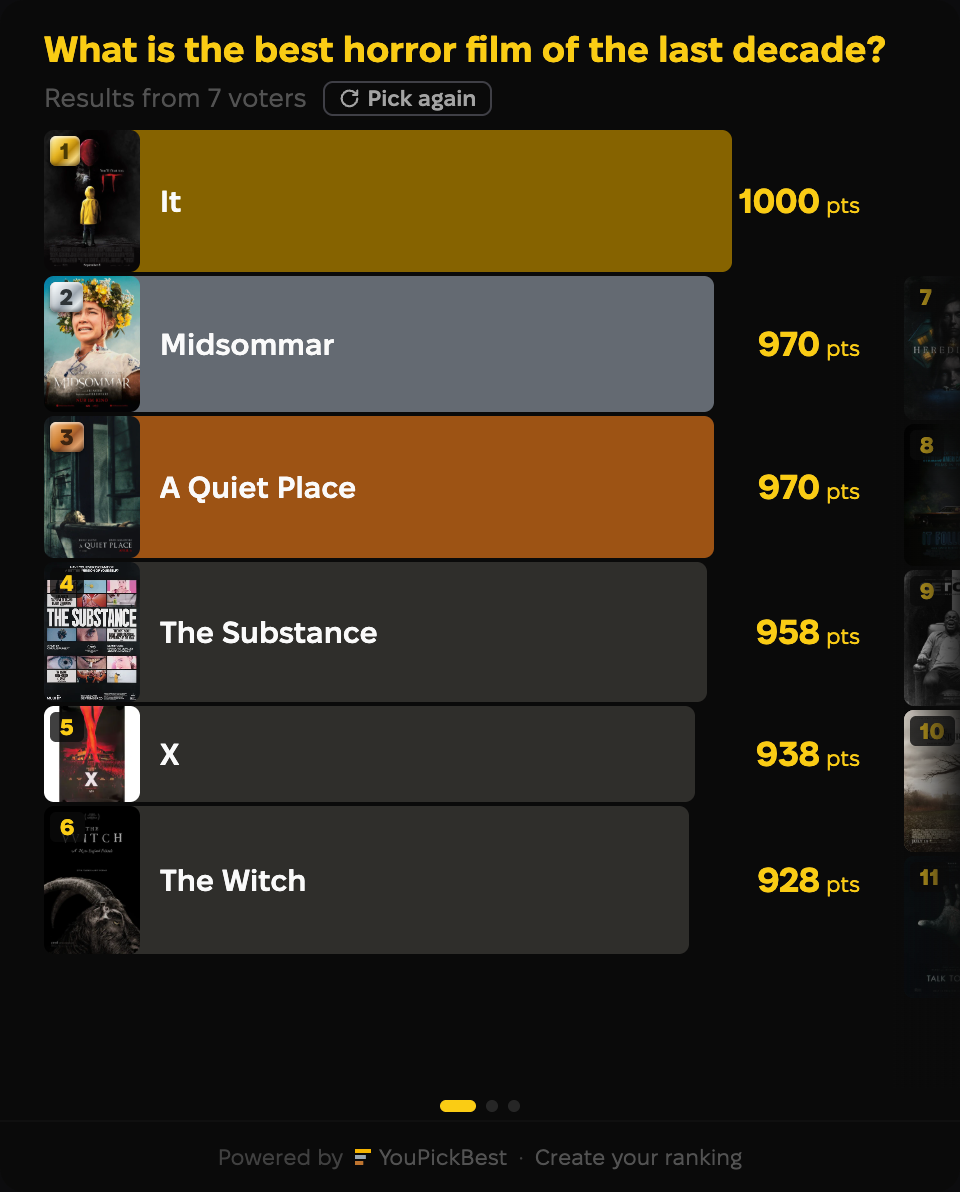



Add a ranking to your post
- 1
Pick a ranking — choose from what’s already on the site, or build your own in two minutes.
- 2
Paste the embed code into your post. It works anywhere that allows HTML.
- 3
Watch your post come alive. Readers vote, then see how everyone else picked.